
12 November 2026 · VRAMfarm team
Own LLM or API: when a rented GPU is cheaper than paying per token
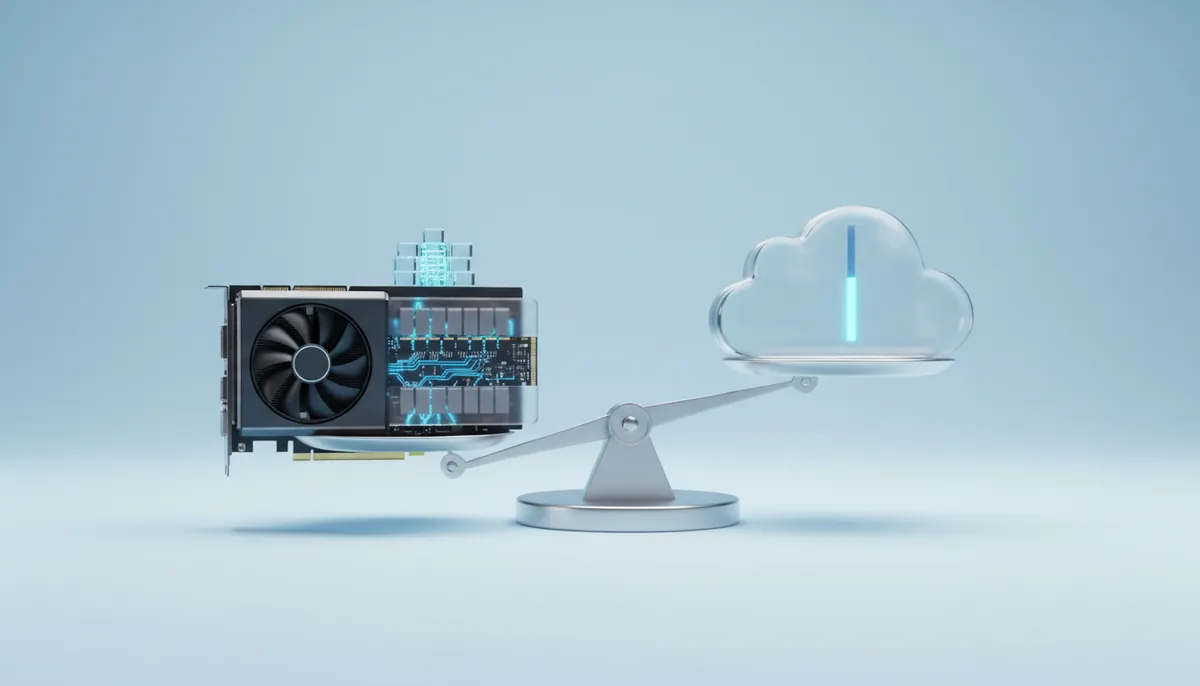
The most common mistake in this calculation is dividing the GPU’s hourly price by its best-case tokens per second. At full load, an RTX 5090 makes a million tokens from a 32B model for about €0.35, which looks unbeatable. But nobody keeps a card at full load all month. At 5% utilisation the same million costs €7.04, more than hosted open models and small proprietary APIs charge. Your own model on a rented GPU wins on price when the card is busy: large batch jobs and steady traffic. It loses on price for occasional, spiky use, where an API charges you nothing between requests. Privacy, a fine-tuned model or a model no API offers can make your own GPU the right choice even when it costs more.
Two formulas and one assumption
Own GPU per month = hours the server runs × price per hour, plus traffic for model downloads and, if you keep files, the saved folder at €0.03 per GB per month. The tokens don’t change the bill; the hours do.
API per month = tokens × price per million. Here the hours don’t matter.
The assumption is the API price. Rates differ by two orders of magnitude, so the scenarios use three rounded tiers, blended for a typical chat mix of input and output tokens, as of November 2026:
| API tier | Blended price per million tokens, about |
|---|---|
| Hosted open models (Qwen, Llama class, 8B–70B) | €0.10–0.60 |
| Small proprietary models | €0.50–2 |
| Top proprietary models | €3–10 |
These are planning ranges, not any provider’s price list. Replace them with the rate you actually pay. Reasoning models bill their thinking tokens as output, which can multiply the token count of a visible answer two- to fivefold; that affects your own GPU too, in time instead of money.
Four monthly scenarios
Each own-GPU figure uses today’s live price for the card, so it moves with the catalogue.
1. One person, a coding and writing assistant. 40 exchanges a day at about 3,000 tokens each (the conversation is sent again with every question) is 2.6 million tokens over 22 working days. Own GPU: Qwen3 32B on an RTX 4090, four hours a day, 88 hours.
2. A team of ten in office hours. Ten such users, 26 million tokens a month. Own GPU: one RTX 4090 with Qwen3 32B, 9 hours a day on 22 days, 198 hours.
3. A product chatbot, around the clock. 300 million tokens a month, about 115 tokens per second on average with peaks several times higher. Own GPU: Qwen3 32B in 4-bit with vLLM on an RTX 5090, 730 hours.
4. A batch job. Summarise 200,000 documents of 2,000 tokens each into 200-token summaries: 400 million input tokens and 40 million output tokens. Own GPU: Qwen3 32B in FP8 with vLLM on an H100, about 18 hours, and anywhere from 12 to 30 depending on document length and the vLLM version. Reading input is much faster than writing output, roughly 5,000–12,000 input tokens per second on this card, and the 40 million output tokens come from many parallel requests at 1,500–4,000 tokens per second.
| Scenario | Tokens a month | Own GPU | API, hosted open | API, small proprietary | API, top proprietary |
|---|---|---|---|---|---|
| 1. One person | 2.6M | €51.92 | under €2 | €1–5 | €8–26 |
| 2. Team of ten | 26M | €116.82 | €3–16 | €13–52 | €78–260 |
| 3. Bot, 24/7 | 300M | €554.80 | €30–180 | €150–600 | €900–3,000 |
| 4. Batch job | 440M | €70.20 | €44–264 | €220–880 | €1,300–4,400 |
What the table says:
- One person: an API or a chat subscription wins by a wide margin. Rent a GPU only if the data must not leave a machine you control.
- A team: your own GPU lands in the range of top proprietary APIs and costs more than small ones and hosted open models. Privacy, not price, decides. The private ChatGPT guide shows the setup for exactly this case.
- A 24/7 bot: your own GPU is clearly cheaper than top proprietary APIs at this volume, about level with small proprietary ones, and more expensive than hosted open models, because those providers fill their cards with many customers’ traffic and you fill yours with one.
- A batch job: your own GPU lands at or below the cheapest hosted open APIs and far below proprietary ones. This is where renting is clearly the cheaper way.
Utilisation decides the price per token
The cost of a million tokens on your own card is the hourly price divided by the millions of tokens it makes in an hour you actually use. Take Qwen3 32B in 4-bit on an RTX 5090 with vLLM, about 600 output tokens per second with many parallel requests, or 2.16 million an hour:
| Share of the hour the card is busy | Cost per million output tokens |
|---|---|
| 100% (batch queue) | €0.35 |
| 50% | €0.70 |
| 20% (a busy product during the day) | €1.76 |
| 5% (a team chat) | €7.04 |
Throughput is a planning range from community reports and bandwidth arithmetic, so the first row could be half or double; the shape doesn’t change. A bigger card lowers the cost per token only if you can keep it busy. An idle H100 is an expensive idle card. The cost per million tokens article lists the full-load rates for 8B, 32B and 70B on several cards.
Three things raise utilisation without extra spend. Run batch work when interactive use is low, on the same server. Send requests in parallel instead of one after another; vLLM is built for that, Ollama much less so, as the runtime comparison explains. And stop the server when no one needs it: billing stops that minute.
Costs people forget, on both sides
On your own GPU:
- Model downloads. A 4-bit 32B model is about 20 GB, an FP8 70B about 71 GB. Downloads are billed as traffic at the machine’s per-GB rate shown before launch, plus the minutes they take.
- The minimum. Every launch is billed for at least 15 minutes, so ten short tests a day on separate launches cost ten minimums.
- Idle hours. A server you forgot overnight on an RTX 4090 costs €5.90 for ten hours. Idle protection emails you after 2 hours without connections or GPU load and stops the server an hour later, but for a 24/7 service you switch it off, and then idle hours are yours to watch.
- Your time. Choosing a model, setting up vLLM, monitoring. For a team of ten that is a few hours once; for a product it is ongoing work.
- A fallback. One server is one machine. Plan what your product does if it disappears: an API to fall back to, or a script that launches a replacement.
On the API:
- Rate limits that throttle a big batch or a busy launch day.
- Model changes. Versions are retired or updated, and answers you tuned prompts for can change.
- Data terms. Read what the provider does with prompts and outputs, and where it processes them. For some data, no terms are good enough.
- Price changes, in either direction, with every new model generation.
When your own GPU wins whatever the price
- The data must stay on a machine you control. Contracts, patient notes, code under NDA, customer lists. The rented server is a machine at one of our vetted hosts, and its country is shown before launch, but no AI company receives your prompts.
- You run your own fine-tuned model. A LoRA trained on your tickets or documents is served by vLLM with
--enable-loranext to the base model. Some hosted APIs serve LoRAs per token, but only on the base models they choose; others charge for a dedicated deployment by the hour, which is the same economics as renting. Fine-tuning an LLM covers the training side. - The model you need isn’t offered, or you need one exact version that won’t change for a year.
- A deadline-bound burst. A 10-hour job with no rate limits, at a per-minute price locked when you launch, so you know the bill before you start.
A setup that often ends up cheapest
Many teams end up splitting the work. Interactive, spiky traffic goes to an API, where idle time is free. Large batch jobs, evaluation runs and anything with sensitive data go to a rented GPU, started when the job starts and stopped when it ends, by hand or through our API with a token from Settings. A team chat on its own server during office hours fits in between: cheaper than seats on a top proprietary model, and private.
If you are thinking about a server that runs 730 hours a month for a year, compare it with buying a card or a monthly dedicated server; at that point per-minute billing no longer saves anything. The rent-or-buy calculation works through the break-even. For everything less than full-time, start with your real token count from last month, multiply it by your API rate, and compare with the hours you would actually keep a card running.