
11 November 2026 · VRAMfarm team
Cost per image, video clip and million tokens on a rented GPU, worked out
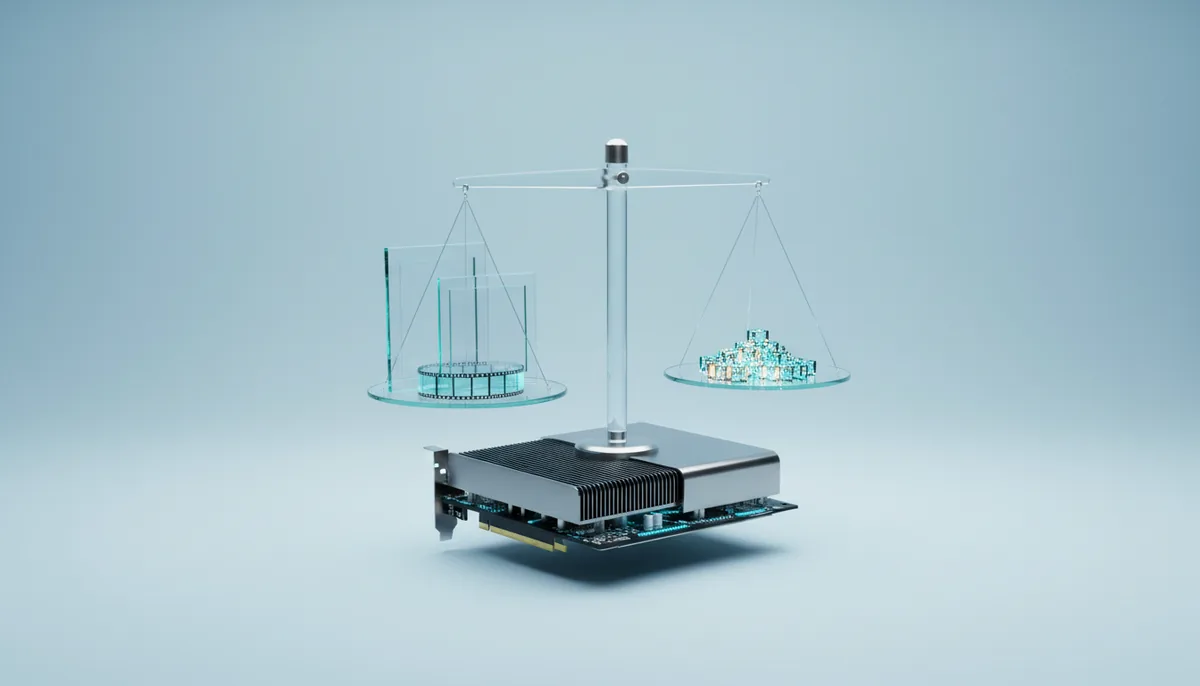
A Flux image on a rented RTX 4090 costs a fraction of a cent while the card is busy, and €0.15 if you launch a server for one picture and stop it. The hourly price matters less than how many minutes of the hour your job uses. Each total for images, a video clip, a million tokens and a LoRA run comes with the throughput behind it, so you can swap in your own.
Prices in the tables are live, filled from the current catalogue, so the totals move with the market. Throughput figures are planning ranges from public community reports and memory-bandwidth arithmetic, not our own benchmarks. Start from the middle of each range, then time your own job in the first 15 minutes, which you pay for anyway.
The formula behind every total
Every job on a rented card is made of the same four parts:
- Setup minutes. Installing packages and downloading models. The 2–5 minutes before the server is ready are free, but ready-made apps fetch their models after that point: a few minutes for an image model, up to 10–15 minutes for a large video model. These minutes are billed like any others.
- Work minutes. The GPU running your job, plus the time you spend looking at results and typing the next prompt.
- Traffic. Model downloads count as traffic, billed per GB at the machine’s rate, which you see before launch. Roughly 17 GB of Flux weights means roughly 17 GB of traffic.
- Storage, only if you keep a saved folder between sessions: €0.03 per GB per month.
Billing runs per minute with a minimum of 15 minutes per launch, at a per-minute price fixed when you start. Work that takes 4 minutes still costs 15. The pricing page lists the current hourly rate of every card.
Images: Flux and SDXL
Image models are limited mostly by compute. Speed depends on four things: resolution (doubling width and height means four times the pixels and roughly four to five times the time), steps (Flux schnell needs 4, Flux dev 20–30, SDXL 25–40), precision (FP8 runs natively on Ada, Hopper and Blackwell cards, while Ampere cards such as the RTX 3090 lose that speed-up) and extras such as ControlNet, several LoRAs or an upscaler.
All rows: 1024×1024, batch size 1, ComfyUI with a queue that keeps the card busy.
| Model and settings | GPU | Images per minute (range, value used) | Time for 1,000 | Cost of 1,000 |
|---|---|---|---|---|
| Flux.1 schnell FP8, 4 steps | RTX 3090 | 6–10, 8 | 2 h 05 min | €0.62 |
| Flux.1 schnell FP8, 4 steps | RTX 4090 | 12–25, 15 | 1 h 07 min | €0.65 |
| Flux.1 dev FP8, 20 steps | RTX 3090 | 1.5–2.5, 2 | 8 h 20 min | €2.50 |
| Flux.1 dev FP8, 20 steps | RTX 4090 | 4–6, 5 | 3 h 20 min | €1.96 |
| Flux.1 dev FP8, 20 steps | RTX 5090 | 6–9, 7 | 2 h 23 min | €1.81 |
| Flux.1 dev FP8, 20 steps | H100 | 8–12, 10 | 1 h 40 min | €6.51 |
| SDXL 1.0, 30 steps | RTX 3060 12 GB | 2–3.5, 3 | 5 h 33 min | €0.67 |
| SDXL 1.0, 30 steps | RTX 3090 | 6–9, 7 | 2 h 23 min | €0.71 |
| SDXL 1.0, 30 steps | RTX 4090 | 12–18, 15 | 1 h 07 min | €0.65 |
Divide the last column by 1,000 for one image. An H100 costs several times more per hour than an RTX 4090 but is nowhere near several times faster at Flux, so for images consumer cards usually win. A slower card at a much lower hourly price can also win per image: compare the RTX 3090 and RTX 4090 rows.
The table assumes a full queue; by hand, you spend more time judging results than the card spends making them. A typical session with the Flux template on an RTX 4090: about 5 minutes for the model download, 45 minutes of prompting that yields around 150 images, then stop. That is 50 billed minutes, €0.49, plus about 17 GB of traffic; each image costs about 1/150 of the session.
Video: one 5-second Wan 2.2 clip
The Wan 2.2 5B model (TI2V) fits a 24 GB card and renders 121 frames at 24 fps for 5 seconds. The 14B model is two 14B experts loaded in turn, one for the early noisy steps and one for detail; in FP8 our template needs 48 GB. A 4-step speed-up LoRA cuts 14B render time several times, with some loss of motion detail.
| Model and settings | GPU | Minutes per clip (range, value used) | Cost per clip |
|---|---|---|---|
| Wan 2.2 5B, 1280×704, 121 frames | RTX 4090 | 4–9, 6 | €0.06 |
| Wan 2.2 5B, 1280×704, 121 frames | RTX 5090 | 3–6, 4 | €0.05 |
| Wan 2.2 14B FP8 + 4-step LoRA, 1280×720, 81 frames | L40S | 4–8, 6 | €0.11 |
| Wan 2.2 14B FP8 + 4-step LoRA, 1280×720, 81 frames | RTX PRO 6000 | 2.5–5, 3.5 | €0.12 |
| Wan 2.2 14B FP8 + 4-step LoRA, 1280×720, 81 frames | H100 | 2–4, 3 | €0.20 |
| Wan 2.2 14B FP8, full 20+ steps, no LoRA | H100 | 12–25, 15 | €0.98 |
Video time grows with frames times pixels. Dropping to 832×480 roughly halves it or better, and is a good way to test prompts before the final render.
A minute of finished footage is twelve 5-second clips. If you keep one attempt in three, that is 36 renders. On an L40S at 6 minutes each, plus about 12 minutes for the model download, the session runs about 3 h 50 min: €4.03. The video generation template has both model sizes ready.
A million tokens: 8B, 32B and 70B models
Text generation is limited mostly by memory bandwidth: for every new token the card reads the whole model from memory. A 4-bit 32B model is about 20 GB and an RTX 4090 reads about 1,000 GB/s, so a single user tops out near 50 tokens per second and gets 30–40 in practice. Serving many requests at once, as vLLM does, reads the weights once for the whole batch, so total throughput grows 10–50 times until compute or KV-cache memory runs out.
So a million tokens has two very different prices: one person chatting, and a full batch queue. Figures below are output tokens; prompt tokens are processed 10–50 times faster.
| Model | How it runs | GPU | Output tokens/s (range, value used) | Time for 1M | Cost of 1M |
|---|---|---|---|---|---|
| 8B (Qwen3 8B, Llama 3.1 8B) | Ollama, 4-bit, one user | RTX 4090 | 100–150, 120 | 2 h 19 min | €1.36 |
| 8B | vLLM BF16, 32–64 parallel requests | RTX 4090 | 1,000–3,000, 2,000 | 8 min | €0.08 |
| 8B | vLLM FP8, 128+ parallel requests | H100 | 5,000–12,000, 8,000 | 2 min | €0.14 |
| 32B (Qwen3 32B) | Ollama, 4-bit, one user | RTX 4090 | 30–40, 35 | 7 h 56 min | €4.68 |
| 32B | vLLM AWQ 4-bit, batched | RTX 5090 | 400–1,000, 600 | 28 min | €0.35 |
| 32B | vLLM FP8, batched | H100 | 1,500–4,000, 2,500 | 7 min | €0.43 |
| 70B (Llama 3.3 70B) | 4-bit, one user | L40S 48 GB | 12–18, 15 | 18 h 31 min | €19.61 |
| 70B | vLLM AWQ 4-bit, batched | H100 | 600–1,500, 900 | 19 min | €1.21 |
| 70B | vLLM FP8, batched | H200 | 1,200–3,500, 2,000 | 8 min | €0.75 |
Batched figures depend heavily on prompt and answer length, the number of parallel requests and the vLLM version. A short job still pays the minimum: 8 minutes of 8B work on an RTX 4090 is billed as 15, €0.15. The table shows the steady rate for longer jobs, such as classifying millions of product descriptions overnight with the vLLM server.
Nobody chats a million tokens a day, so a private chat is really priced per hour: €0.59 for Qwen3 32B on an RTX 4090, whether you send ten messages or two hundred.
Training a Flux LoRA
A typical character or style LoRA on Flux.1 dev: 20–30 captioned images, about 2,000 steps at up to 1024 px, with the base model loaded in 8-bit by a trainer such as ai-toolkit so it fits 24 GB.
| Run | GPU | Training time (range, value used) | Cost of training |
|---|---|---|---|
| Flux.1 dev LoRA, 2,000 steps | RTX 3090 | 2.5–4 h, 3 h | €0.90 |
| Flux.1 dev LoRA, 2,000 steps | RTX 4090 | 1–2.5 h, 1.5 h | €0.89 |
| Flux.1 dev LoRA, 2,000 steps | RTX 5090 | 0.8–1.6 h, 1.1 h | €0.84 |
| Flux.1 dev LoRA, 2,000 steps | H100 | 0.5–1 h, 0.75 h | €2.93 |
| SDXL LoRA, 2,000 steps | RTX 4090 | 0.3–0.8 h, 0.5 h | €0.30 |
Add 15–25 minutes to install the trainer and download Flux.1 dev with its text encoders (roughly 30–35 GB, depending on the trainer’s format), then a few test images. A realistic first run on an RTX 4090 is about 2 h 6 min billed: €1.24, plus traffic. Flux.1 dev is gated on Hugging Face: accept its licence on the model page (and check its terms for commercial work) and have an access token ready, or the download stops at the first file.
Renting a GPU or paying an API per call
APIs charge per result: per image, per second of video, per million tokens. You pay nothing between calls and never wait for a download. A rented card charges per minute whatever it does, so it wins only when you keep it busy.
To find your break-even, divide the cost of a realistic session (setup plus work, at least 15 minutes) by the API’s price per result. Per-image API prices for Flux-class models are usually counted in cents, while a busy RTX 4090 gets well below a cent, so the break-even tends to be a few dozen images per session.
For LLMs it is less one-sided. Hosted APIs for open 8B–70B models are hard to beat for small, spiky use. Renting makes sense when:
- you have a large batch you can run in parallel, such as tagging, translation or summarisation of thousands of documents;
- the data should stay on one machine you control, with no external API involved;
- you run your own fine-tuned model or a model no API offers;
- you need no rate limits for a few hours.
And sometimes you don’t need a GPU at all. If you make 20 images a month or ask an LLM a few questions a week, a per-call API or a free tier costs less than the minimum session.
How to keep the total down
- Batch small jobs into one session. Three 5-minute jobs in three launches cost three times 15 minutes.
- Stop the server when you are done; billing stops that minute. Idle protection emails you after 2 hours without SSH, Jupyter or GPU load and stops the server an hour later, but three idle hours on an RTX 4090 are still €1.77.
- Save only what you can’t download again. Your own LoRAs and checkpoints belong in the saved folder (30 GB costs 30 × €0.03 a month). Public weights usually don’t: restoring them is traffic too, and often no faster than a fresh download. The article on files after a stop works through both options.
- Pick the card by memory first, then by price per result. The VRAM picker shows which cards fit your model.
- Time your own job in the first 15 minutes, multiply it out, and decide before the long run starts.