
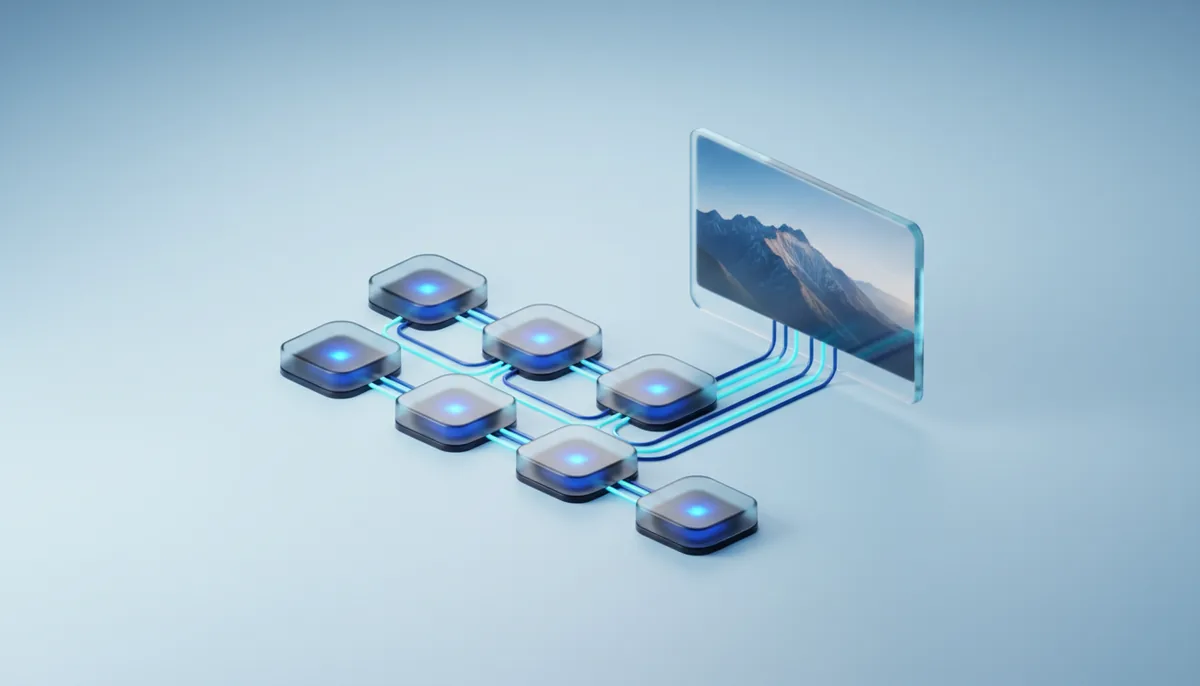
from 24 GBImages
Photo editor · Qwen Edit
Edit a photo with words: swap the background, turn day into evening, remove an object.
from €0.30/h · RTX 3090, 24 GB
Alibaba’s Qwen-Image draws pictures with lettering in them: posters, signs, covers and banners. It handles accented and non-Latin characters too. The ready-made app needs a card with 24 GB, and the server installs ComfyUI and the model on its own.
To launch, your balance must cover one hour of the machine. You are billed by the minute for actual use. The server installs Images · Qwen-Image for you.
Images · Qwen-Image is free: you only pay for GPU time. Everything installs at launch; there is nothing to configure by hand.
Licence Apache 2.0: you can use the images in commercial projects.
Images · Qwen-Image needs a card with at least 24 GB; the cheapest suitable one is the RTX 3090. The table shows memory for other versions and tasks. Prices update from available catalogue machines when you open the page.
| Version | Video memoryMemory | Suitable GPUGPU | Price per hourPer hour |
|---|---|---|---|
| Qwen-Image in FP8, ready-made app | from 24 GB | RTX 3090 | €0.30 |
| Qwen-Image without quantisation | from 48 GB | L40 | €0.46 |
Guide from real launches: complex graphs and high resolutions need more memory. Pick: the cheapest single card with enough memory. All GPUs and prices
Finished? Stop the server in the dashboard and billing stops. Save and stop keeps /workspace for €0.03 per GB per month, and it comes back on your next server automatically.
Title, date and tagline right in the image, no editing afterwards.
Video thumbnails, article covers and ad creatives with text.
A mock-up of a sign, a label or a menu board to show a client the idea.
Each app installs its interface and model on its own. You only pay for GPU time.
Edit a photo with words: swap the background, turn day into evening, remove an object.
from €0.30/h · RTX 3090, 24 GB
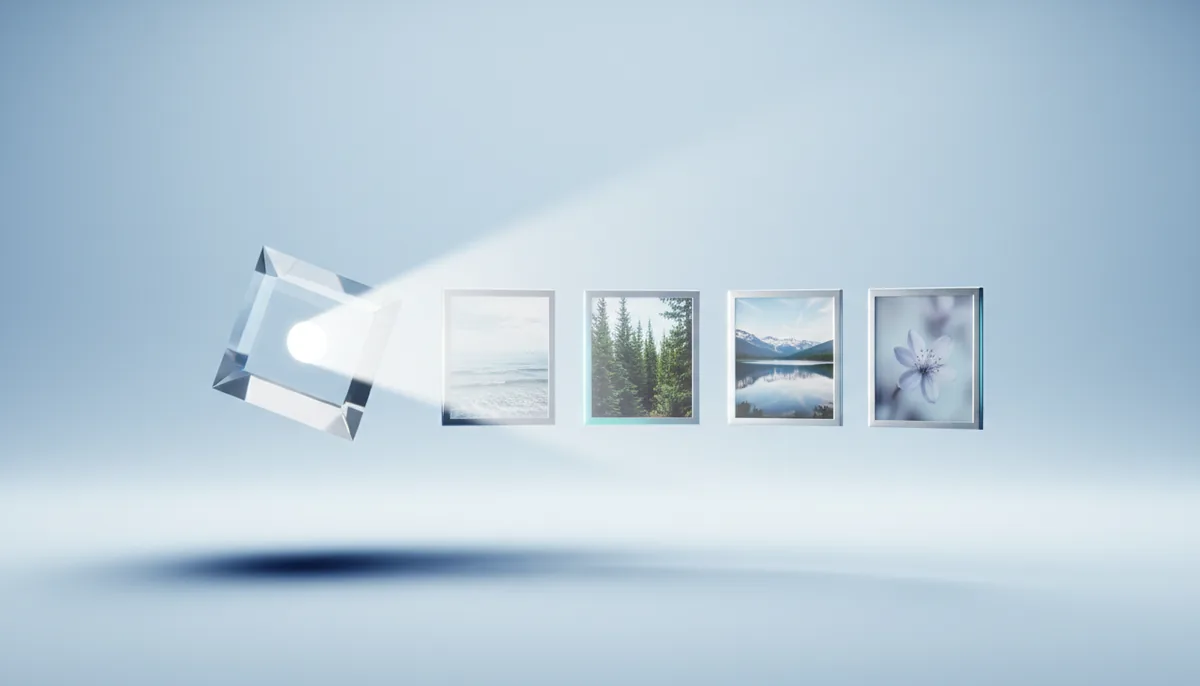
Images from a text prompt: illustrations, covers, social posts and product shots.
from €0.16/h · RTX 4060 Ti, 16 GB
Images from a prompt with a fresh open model. The MIT licence allows commercial use.
from €0.30/h · RTX 3090, 24 GB
The ready-made FP8 app needs a 24 GB card: RTX 3090, RTX 4090 or RTX 5090. Unquantised, the model takes about 40 GB and needs a 48 GB card.
Yes. Short lettering comes out clean; in long phrases a letter is occasionally wrong. Another seed or shorter text helps.
The server usually starts in 2–5 minutes. Then the app downloads the model on its own, which takes a few more minutes, and a button that opens ComfyUI appears in the dashboard.
When you stop, click Save and stop: the /workspace folder with your models, LoRAs and results goes to storage for €0.03 per GB per month and comes back on your next server automatically. If you stop without saving, the disk is deleted.
By the minute from your balance in euros. Top up from €10; to launch, your balance must cover at least one hour of the chosen machine. Stop the server and billing stops.
Sign up in a minute, top up from €10, pay by the minute. Stop the server and billing stops.
We use Google Analytics and Microsoft Clarity to see how the site is used and to improve it. They set cookies only if you agree. Privacy policy