
12 November 2026 · VRAMfarm team
Multi-GPU training basics: DDP, FSDP and ZeRO on a rented 2–8 GPU machine
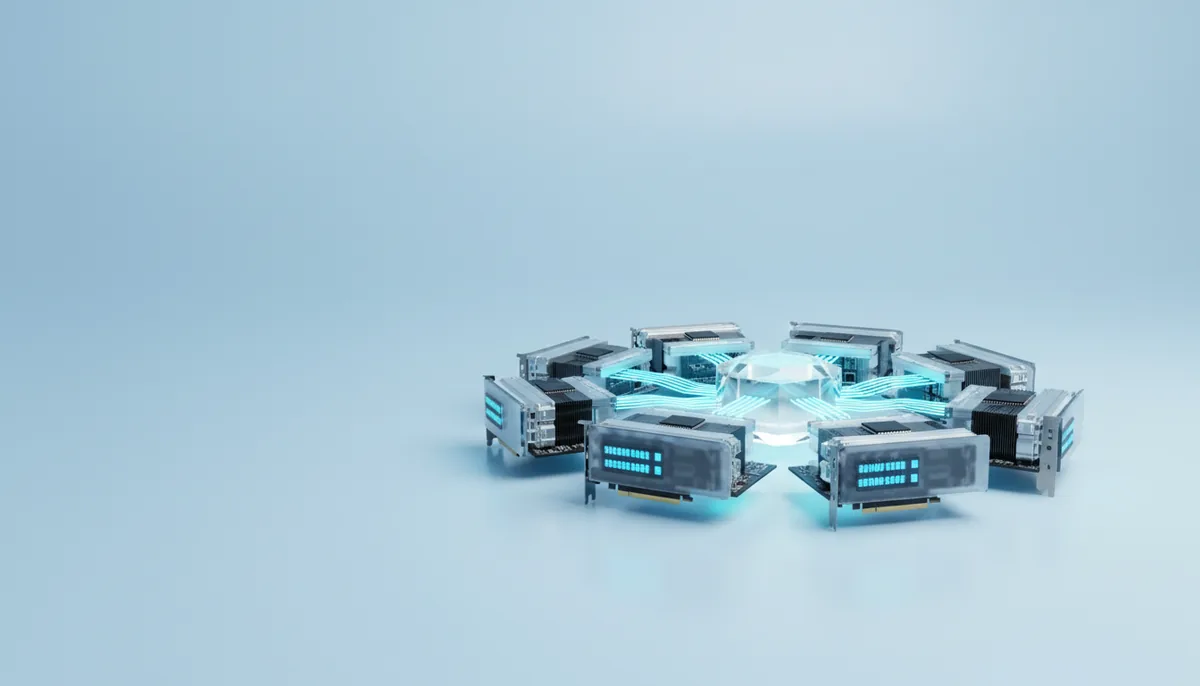
Four cards rented, the script started with python train.py, and nvidia-smi shows one card at 100% and three at 0%. Nothing is broken. A training script uses one GPU unless it is started by a launcher that runs one process per card, and the work has to be split in a way that fits your model. There are two ways to split it: give every card a copy of the model and a share of the data, or cut the model itself into pieces. Which one you need depends on whether the model fits on one card.
First: do you need more than one card?
There are only two reasons to use several GPUs: the job does not fit in one card’s memory, or it takes too long on one card. Before reaching for a multi-GPU machine, check whether a single bigger card solves it. One card is always simpler: no launcher, no communication between cards, no NCCL errors.
| Job | One card that does it | When several cards make sense |
|---|---|---|
| LoRA or QLoRA on a model up to 70B | 24–80 GB, see the VRAM guide | Rarely; to train faster on a large dataset |
| Full fine-tune of a 7–8B model | One 80 GB card with an 8-bit optimiser, or an H200 (141 GB) | To use the standard optimiser, longer sequences or a shorter run |
| Full fine-tune of a 13–70B model | None with the standard optimiser; a 13B model fits a 141–192 GB card only with an 8-bit optimiser | Almost always: 4–8 cards with FSDP or ZeRO-3 |
| Training a small model on a lot of data | Any card that holds it | To cut a 40-hour run to 10 |
| Serving a 70B model in fp8 | H200 | 2 × H100 with vLLM, see H200 vs H100 |
The biggest single cards in the catalogue are the B200 with 192 GB, the H200 with 141 GB and the RTX PRO 6000 with 96 GB. If one of those holds your job, start there.
Data parallel: the same model on every card
Data parallel training (PyTorch DDP) runs one process per GPU. Each process holds a full copy of the model, takes a different slice of every batch, computes its gradients, and then all cards average their gradients before the optimiser step. The cards stay identical, and N cards process N times as much data per step.
It needs one thing: the model, its gradients, its optimiser states and the activations must fit on one card. If they do, DDP is the easiest way to go faster. You start the script with a launcher instead of python:
torchrun --nproc_per_node=4 train.py        # plain PyTorch, Hugging Face Trainer
accelerate launch --num_processes 4 train.py  # Hugging Face Accelerate
The Hugging Face Trainer and most fine-tuning tools (Axolotl, LLaMA-Factory, torchtune) switch to DDP by themselves when started this way. In plain PyTorch you wrap the model in DistributedDataParallel and add a DistributedSampler.
The cost is communication: after each step the cards exchange a copy of the gradients. For a 1B model in bf16 that is about 2 GB per step, which PCIe handles while the backward pass is still running. Expect two cards to deliver about 1.7–1.9 times the speed of one and four cards about 3–3.7 times, less for larger models on machines without NVLink.
When the model doesn’t fit: FSDP and DeepSpeed ZeRO
With the standard AdamW optimiser in mixed precision, every parameter costs about 16 bytes: 2 for the bf16 weights, 2 for the gradients and 12 for the optimiser (an fp32 master copy and two moment estimates). For an 8B model that is 128 GB before activations, more than any single 80 GB card.
Sharding splits those 16 bytes across the cards instead of copying them. DeepSpeed calls it ZeRO and has three stages; PyTorch’s FSDP does the same with different names. For an 8B model:
| Method | What each card holds | Per card, 4 cards | Per card, 8 cards |
|---|---|---|---|
| DDP | Everything | 128 GB | 128 GB |
| ZeRO-1 | Weights, gradients, 1/N of the optimiser | 56 GB | 44 GB |
ZeRO-2, FSDP SHARD_GRAD_OP |
Weights, 1/N of gradients and optimiser | 44 GB | 30 GB |
ZeRO-3, FSDP FULL_SHARD |
1/N of everything | 32 GB | 16 GB |
Activations come on top, from a few GB to tens of GB per card depending on sequence length and batch size; gradient checkpointing cuts them at the price of about a third more compute. Reading the table: 4 × 80 GB cards run an 8B full fine-tune comfortably with ZeRO-2 or ZeRO-3, 4 × 48 GB cards with ZeRO-3, and 24 GB cards only with 8 of them, or with optimiser offload to CPU RAM.
FSDP is part of PyTorch; DeepSpeed is configured with a JSON file. The Hugging Face Trainer and Accelerate support both. CPU offload (ZeRO-Offload, FSDP cpu_offload) moves optimiser states into system RAM and lets small cards train large models, slowly, and only if the machine has the RAM.
ZeRO-3 has a price that matters on rented machines: the weights themselves travel between cards on every step. For an 8B model on four cards that is roughly 35–50 GB per card per step. Over NVLink on an H100 machine it takes a fraction of a second; over PCIe it can take seconds, and the cards wait. That is why the type of link matters.
Tensor and pipeline parallel, and what inference uses
Tensor parallel cuts each weight matrix into slices, one per card, and exchanges data on every layer, so it only works well over NVLink. Pipeline parallel puts different layers on different cards, with less traffic but idle cards while the pipeline fills. Pre-training frameworks such as Megatron combine them; for fine-tuning, FSDP or ZeRO is usually enough.
For inference the picture is simpler. vLLM splits a model with --tensor-parallel-size 2 (or 4, 8), and llama.cpp and Ollama split layers across cards on their own. Inference sends little data between cards, so it runs acceptably even over PCIe.
One trap: device_map="auto" in Hugging Face Transformers spreads layers over the cards and runs them one after another. The model fits, but only one card works at any moment. It is fine for trying a big model, not for training speed.
NVLink vs PCIe on rented machines
| Link | Speed between cards, approximately | Where you find it |
|---|---|---|
| PCIe 4.0 x16 | 25–32 GB/s per direction | RTX 3090, RTX 4090, A6000, most PCIe cards |
| PCIe 5.0 x16 | 50–64 GB/s per direction | RTX 5090, RTX PRO 6000, newer servers |
| NVLink bridge, RTX 3090 | about 112 GB/s | Rare on rented machines |
| NVLink, A100 SXM | 600 GB/s | 4- and 8-card A100 SXM boards |
| NVLink, H100 / H200 SXM | 900 GB/s | 4- and 8-card SXM boards |
Consumer cards add one more limit: the RTX 4090 does not support direct peer-to-peer transfers, so data between cards goes through system memory. Multi-4090 machines work well for inference and DDP on small models, and poorly for ZeRO-3 on large ones.
The catalogue shows the card name before you launch. “SXM” or “SXM4” means the cards sit on a board built for NVLink; PCIe cards may or may not have bridges. The “PCIe” filter in the catalogue is the bus speed between the CPU and the GPUs. It matters for loading data and models (a card on a narrow x4 slot loads slowly), but it does not tell you about links between cards. For that, run this right after launch:
nvidia-smi topo -mNV4, NV12 or NV18 between two cards means NVLink. PIX and PXB mean a PCIe switch, PHB the CPU’s PCIe bridge, and NODE or SYS a path across the CPU, the slowest.
Renting a multi-GPU machine on VRAMfarm
- Pick the machine. In the server catalogue, set “Cards per machine” to 2×, 4× or 8×. The price is per hour for the whole machine, about the number of cards times the price of one: from €2.36 an hour for 4 × RTX 4090, from €31.20 for 8 × H100. Each row shows the card name, CPU cores, RAM, disk, driver, CUDA version and country.
- Use the filters that matter for training. VRAM per machine, RAM (at least the total VRAM), CPU cores (4–8 per card), free disk (a full checkpoint of an 8B model with optimiser states is over 100 GB), and “Rental period”, how many days in a row the machine can be kept. Leave a margin for long runs.
- Choose an empty server. PyTorch with Jupyter, or your own Docker image. Your balance has to cover one hour of the whole machine to launch; this is a check, not a charge, and billing is per minute.
- Check the machine in the first minutes. Run
nvidia-smi,nvidia-smi topo -mandpython -c "import torch; print(torch.cuda.device_count())". If something is wrong, stop the server: you pay the 15-minute minimum, not the hour. - Run a short communication test before the real job:
# nccl_check.py: start with  torchrun --nproc_per_node=4 nccl_check.py
import os, time, torch, torch.distributed as dist
rank = int(os.environ["LOCAL_RANK"]); torch.cuda.set_device(rank)
dist.init_process_group("nccl")
x = torch.ones(512 * 1024**2, dtype=torch.bfloat16, device="cuda")  # 1 GiB
for _ in range(3): dist.all_reduce(x)
torch.cuda.synchronize(); t = time.time()
for _ in range(10): dist.all_reduce(x)
torch.cuda.synchronize()
if rank == 0: print(f"{10 / (time.time() - t):.1f} all-reduces of 1 GiB per second")
dist.destroy_process_group()
If it prints a number, the cards talk; an NVLink machine should be many times faster than a PCIe one. If it hangs, see the first pitfall below.
The API takes the number of cards as count, so a script can start an 8-card machine for a night run and stop it when the job is done.
Common pitfalls
- NCCL hangs or “unhandled system error”. Start with
NCCL_DEBUG=INFOto see where it stops. On consumer cards,NCCL_P2P_DISABLE=1often fixes hangs. If one process crashed, the others wait for it until the timeout, so look for the first error in the log, not the last. - Shared memory too small. Inside containers,
/dev/shmis sometimes only tens of megabytes, which breaks NCCL and data loaders with “bus error”. Check withdf -h /dev/shm; lowernum_workers, or tryNCCL_SHM_DISABLE=1. - The batch size changed without you noticing. Global batch = batch per card × number of cards × gradient accumulation steps. Moving from 1 to 4 cards with the same config makes the batch four times larger and the epoch four times shorter in steps. Either lower the accumulation steps to keep the global batch, or raise the learning rate: roughly linearly for SGD, more cautiously (square root) for Adam, with a warm-up.
- Every card sees the same data. Without a
DistributedSamplerall cards train on identical batches; withoutsampler.set_epoch(epoch)every epoch has the same order. The Hugging Face Trainer handles both. - Four copies of every log and checkpoint. Write files only on rank 0. A full FSDP checkpoint is gathered in one process’s CPU RAM; sharded checkpoints avoid that.
- “System not yet initialized” on an 8-card SXM machine. This comes from the host’s NVLink fabric, not from your code. Stop the server, pick another machine and tell support.
Long runs need two habits. Start training inside tmux, so it survives a closed laptop. Save checkpoints every 30–60 minutes into /workspace, keep only the last two, and copy them off the machine for runs longer than a day: the server’s disk is deleted on stop unless you save the folder (what happens to your files). While the GPUs are busy, idle detection leaves the server alone. When the run ends, it starts counting: after 2 hours without GPU load, SSH or Jupyter connections you get an email, and an hour later the folder is saved and the server stops. You can switch this off, and servers started from your own Docker image are not stopped automatically. A cheaper option is a last line in your script that stops the server through the API.
Start with two cards and a short run, measure the time per step, then scale to four or eight. If two cards are not close to twice as fast, more cards will not fix it; look at the link between them first.